How Do I Talk to My Class About Being Safe Online Without Scaring Them?
Safer Internet Day often lands as “we should do something” — and the hard part is getting the tone right. This guide gives Stage 2–3 teachers calm framing, ready-to-use language, and age-appropriate prompts to build online safety skills without fear-based messaging.
By Mia Torres
Published on 12 February 2026
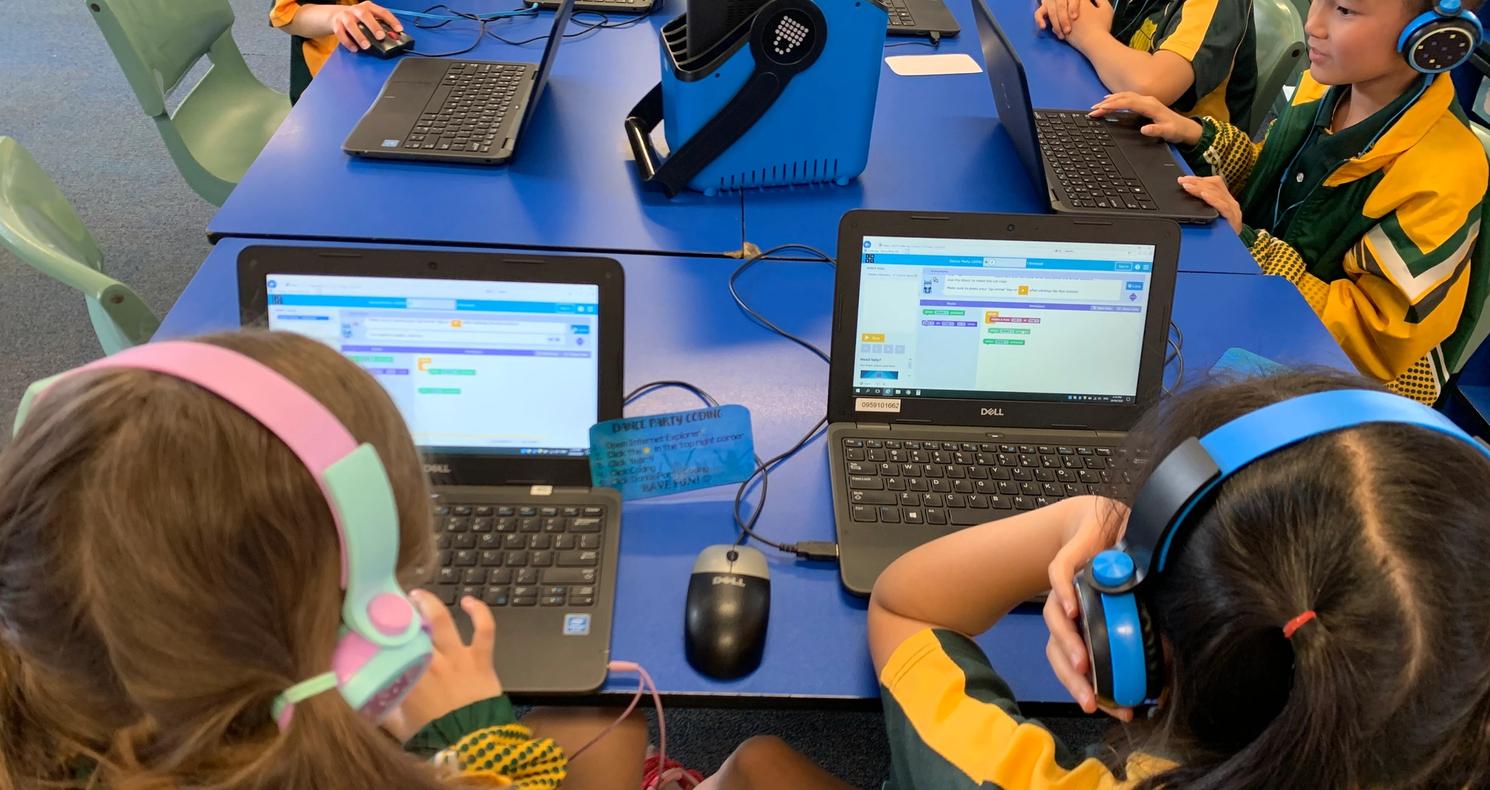
There’s a moment that happens in a lot of staffrooms around Safer Internet Day: someone spots the reminder in the newsletter, and suddenly it’s on the list.
“We need to do something for cyber safety.”
And then the quieter thought follows: How do I talk about this without accidentally scaring them or opening up conversations I’m not prepared to hold?
The reassuring truth is that you don’t need a dramatic lesson to teach online safety well. You just need a calm frame, clear language, and a few repeatable habits students can practise.
Start with normal, not dangerous
Before you teach safety, you want students to feel that the internet is a normal part of life, not a dark alley they’ve accidentally wandered into.
A simple way to begin is to ask about how they already use online spaces (games, videos, learning apps, messaging, research). Keep it neutral and factual.
You might say:
“Today, we’re talking about how we use the internet in everyday life and how to make smart choices when we’re online. This isn’t about being scared. It’s about being confident.”
A few safe opening questions (whole class or turn-and-talk):
- “Where do you notice the internet in your day?”
- “What do you use it for at school? What about at home?”
- “What do you think the internet is really good for?”
If a student offers something worrying, you don’t need to interrogate it publicly. Thank them, park it, and follow up privately.
You might say:
“Thanks for sharing that. I’m going to check in with you after the lesson.”
Teach safety as skills, not threats
Most students can understand online safety best when it’s taught like other safety learning: road safety, water safety, and sun safety. The goal isn’t to remove all risk. The goal is to build judgment.
A simple, calm framework helps. Here’s one you can use across Stage 2 and 3:
The three habits: Pause, Protect, Ask
PAUSE (before you click, post, or reply)
- “Do I understand what this is?”
- “Do I feel okay about it?”
- “Would I do this if a trusted adult was watching?”
PROTECT (your information, your feelings, your choices)
- Keep private details private
- Use kind, respectful language
- Leave spaces that feel wrong or unkind
ASK (get help early)
- If you’re unsure, check with a trusted adult
- If something feels “not quite right”, you don’t handle it alone
You might say:
“Online safety is mostly about habits. You don’t have to be an expert. You just need a few good moves you can use again and again.”
If you want one phrase students can remember, keep it short:
“Pause. Protect. Ask.”
Stage 2: keep it concrete and practical (Years 3–4)
Stage 2 students do best with clear definitions and simple “what would you do?” practice.
What is private information?
Keep this straightforward and age-appropriate. You’re not listing scary risks — you’re clarifying boundaries.
Private information can include:
- full name, address, school name
- phone number, passwords
- photos that show the school uniform or the location
- family details (like where a parent works)
You might say:
“Private information is anything that helps someone figure out who you are or where you are. We don’t share it online unless a trusted adult says it’s okay.”
What does “trusted adult” mean?
Students need the concept, not a perfect list.
You might say:
“A trusted adult is someone whose job is to keep you safe and help you. If you’re unsure who that is, we can work it out together.”
You can invite them to quietly identify two or three trusted adults (no sharing required). Include school options: classroom teacher, AP, counsellor, and wellbeing staff.
“Not quite right” moments
Stage 2 students often notice feelings before they can explain why.
You might say:
“Sometimes your brain gives you a little signal — a ‘not quite right’ feeling. That’s a good time to pause and ask for help.”
Simple role-play prompts (low-drama)
Keep role-plays ordinary and non-graphic. The goal is practise, not panic.
- “A game asks you to type your real name.”
- “A pop-up says you’ve won something and you need to click fast.”
- “Someone online asks: ‘What school do you go to?’”
- “You see a video that makes you feel uncomfortable or confused.”
Prompt students:
“What would ‘Pause’ look like here?”
“What would you do to ‘Protect’?”
“Who could you ‘Ask’?”
Stage 3: add critical thinking and social pressure (Years 5–6)
Stage 3 students are often navigating group chats, early social media exposure, and stronger peer dynamics. They can handle more nuance—especially around why online content is created and shared.
Why do people post misleading content?
This doesn’t need to become a lesson on scams or worst-case scenarios. Keep it grounded in motivation and media literacy.
You might say:
“Not everything online is posted to help you. Some things are posted to get attention, to sell something, or to influence what people think.”
Discussion prompts:
- “What’s the difference between information and persuasion?”
- “How can you tell if something is trying to get a reaction?”
- “What might someone gain from people clicking, sharing, or arguing?”
Group chats and social pressure
This is often where students need language.
You might say:
“Online spaces can make small moments feel bigger — because other people can see it, react to it, and pile on. You’re allowed to step out of things that don’t feel okay.”
Practical questions:
- “What does respectful talk look like in a group chat?”
- “What’s a calm way to leave or mute something?”
- “What’s the difference between a joke and something that hurts?”
- “Who can you go to if you’re worried about a message thread?”
Digital footprints (without fear)
You’re aiming for thoughtful choices, not shame.
You might say:
“A digital footprint is the trail we leave online. It’s not about being perfect — it’s about making choices you won’t regret later.”
Quick activity:
Give students a few example posts (made-up, school-appropriate) and ask:
- “What might this communicate about the person?”
- “Would you feel okay if a teacher or future coach saw it?”
- “How could you rewrite it to be safer or kinder?”
What not to over-explain
This is where many teachers accidentally make the lesson heavier than it needs to be.
Try to avoid:
- introducing extreme scenarios that students may not have encountered
- sharing alarming statistics “to make them listen”
- implying danger is constant or inevitable
- teaching a long list of threats (it overwhelms and doesn’t build judgment)
A helpful boundary is: teach habits that apply widely, and keep examples ordinary.
You might say:
“We’re not going to cover every possible online problem today. We’re learning habits that help you make good choices in lots of situations.”
When it can help to bring in external support
Some schools choose to complement classroom teaching with a specialist session or incursion — particularly if they want a whole-school approach, consistent messaging across stages, or support with parent engagement.
Australian organisations that schools sometimes engage for student sessions include Cyber Pathways, The Cyber Safety Project, Inform and Empower, and ySafe. Used well, these can sit alongside teacher-led learning — not replace it.
The heart of this work still lives in the classroom: the everyday language you use, the calm routines you teach, and the confidence you build in students to pause, protect, and ask.
Closing: aim for confidence, not control
Online safety isn’t about removing risk entirely. It’s about building students’ judgement — and making help-seeking feel normal.
If students leave your lesson with one feeling, let it be this:
“I can make smart choices online, and I know who to go to if I’m unsure.”
Optional extensions (light, curriculum-friendly)
English: persuasive writing
“Write a short persuasive text encouraging younger students to practise one smart online habit.”
Options: Pause before you click; Keep private info private; Ask a trusted adult.
Critical thinking: persuasion in the wild
Look at a few age-appropriate ads or influencer-style posts (teacher selected). Ask:
- “What is this trying to make you do?”
- “What tricks does it use?”
- “What questions could you ask before you believe it?”
If you want ready-made classroom resources
If you’re short on prep time, our friends at Cool.org have a bank of Australian online safety teaching resources you can draw from — including lesson plans and classroom activities you can adapt for Stage 2–3.
'%3e%3cpath%20d='M12%2021C16.9706%2021%2021%2016.9706%2021%2012C21%207.02944%2016.9706%203%2012%203C7.02944%203%203%207.02944%203%2012C3%2016.9706%207.02944%2021%2012%2021Z'%20stroke='%23FEFDFB'%20stroke-width='1.5'%20stroke-linecap='round'%20stroke-linejoin='round'/%3e%3cpath%20d='M15.75%208.25H14.25C13.6533%208.25%2013.081%208.48705%2012.659%208.90901C12.2371%209.33097%2012%209.90326%2012%2010.5V21'%20stroke='%23FEFDFB'%20stroke-width='1.5'%20stroke-linecap='round'%20stroke-linejoin='round'/%3e%3cpath%20d='M9%2013.5H15'%20stroke='%23FEFDFB'%20stroke-width='1.5'%20stroke-linecap='round'%20stroke-linejoin='round'/%3e%3c/g%3e%3cdefs%3e%3cclipPath%20id='clip0_1_616'%3e%3crect%20width='24'%20height='24'%20fill='white'/%3e%3c/clipPath%3e%3c/defs%3e%3c/svg%3e)
'%3e%3cpath%20d='M13.3332%2017.5001C15.6344%2017.5001%2017.4998%2015.6346%2017.4998%2013.3334C17.4998%2011.0322%2015.6344%209.16675%2013.3332%209.16675C11.032%209.16675%209.1665%2011.0322%209.1665%2013.3334C9.1665%2015.6346%2011.032%2017.5001%2013.3332%2017.5001Z'%20stroke='%23FEFDFB'%20stroke-width='1.66667'%20stroke-miterlimit='10'/%3e%3cpath%20d='M18.3335%203.33325H8.3335C5.57207%203.33325%203.3335%205.57183%203.3335%208.33325V18.3333C3.3335%2021.0947%205.57207%2023.3333%208.3335%2023.3333H18.3335C21.0949%2023.3333%2023.3335%2021.0947%2023.3335%2018.3333V8.33325C23.3335%205.57183%2021.0949%203.33325%2018.3335%203.33325Z'%20stroke='%23FEFDFB'%20stroke-width='1.66667'%20stroke-linecap='round'%20stroke-linejoin='round'/%3e%3cpath%20d='M18.75%209.16675C19.4404%209.16675%2020%208.6071%2020%207.91675C20%207.22639%2019.4404%206.66675%2018.75%206.66675C18.0596%206.66675%2017.5%207.22639%2017.5%207.91675C17.5%208.6071%2018.0596%209.16675%2018.75%209.16675Z'%20fill='%23FEFDFB'/%3e%3c/g%3e%3cdefs%3e%3cclipPath%20id='clip0_36_178'%3e%3crect%20width='26.6667'%20height='26.6667'%20fill='white'/%3e%3c/clipPath%3e%3c/defs%3e%3c/svg%3e)
'%3e%3cpath%20d='M20.25%203H3.75C3.33579%203%203%203.33579%203%203.75V20.25C3%2020.6642%203.33579%2021%203.75%2021H20.25C20.6642%2021%2021%2020.6642%2021%2020.25V3.75C21%203.33579%2020.6642%203%2020.25%203Z'%20stroke='%23FEFDFB'%20stroke-width='1.5'%20stroke-linecap='round'%20stroke-linejoin='round'/%3e%3cpath%20d='M11.25%2010.5V16.5'%20stroke='%23FEFDFB'%20stroke-width='1.5'%20stroke-linecap='round'%20stroke-linejoin='round'/%3e%3cpath%20d='M8.25%2010.5V16.5'%20stroke='%23FEFDFB'%20stroke-width='1.5'%20stroke-linecap='round'%20stroke-linejoin='round'/%3e%3cpath%20d='M11.25%2013.125C11.25%2012.4288%2011.5266%2011.7611%2012.0188%2011.2688C12.5111%2010.7766%2013.1788%2010.5%2013.875%2010.5C14.5712%2010.5%2015.2389%2010.7766%2015.7312%2011.2688C16.2234%2011.7611%2016.5%2012.4288%2016.5%2013.125V16.5'%20stroke='%23FEFDFB'%20stroke-width='1.5'%20stroke-linecap='round'%20stroke-linejoin='round'/%3e%3cpath%20d='M8.25%209C8.87132%209%209.375%208.49632%209.375%207.875C9.375%207.25368%208.87132%206.75%208.25%206.75C7.62868%206.75%207.125%207.25368%207.125%207.875C7.125%208.49632%207.62868%209%208.25%209Z'%20fill='%23FEFDFB'/%3e%3c/g%3e%3cdefs%3e%3cclipPath%20id='clip0_1_621'%3e%3crect%20width='24'%20height='24'%20fill='white'/%3e%3c/clipPath%3e%3c/defs%3e%3c/svg%3e)